.png)
Demo Script mID+ (Onfido) (Beta)
Use case summary
The demo objectives for the mobile application encompass a variety of user goals aimed at establishing and utilizing digital identity and credentials. These objectives are designed to demonstrate the app's comprehensive capabilities, ranging from user registration and document verification to the management and sharing of digital credentials.
Demo Flow
App Setup
Download and open the app.
Agree to terms and conditions.
Input your data
First Name
Last Name
Document Enrollment Options
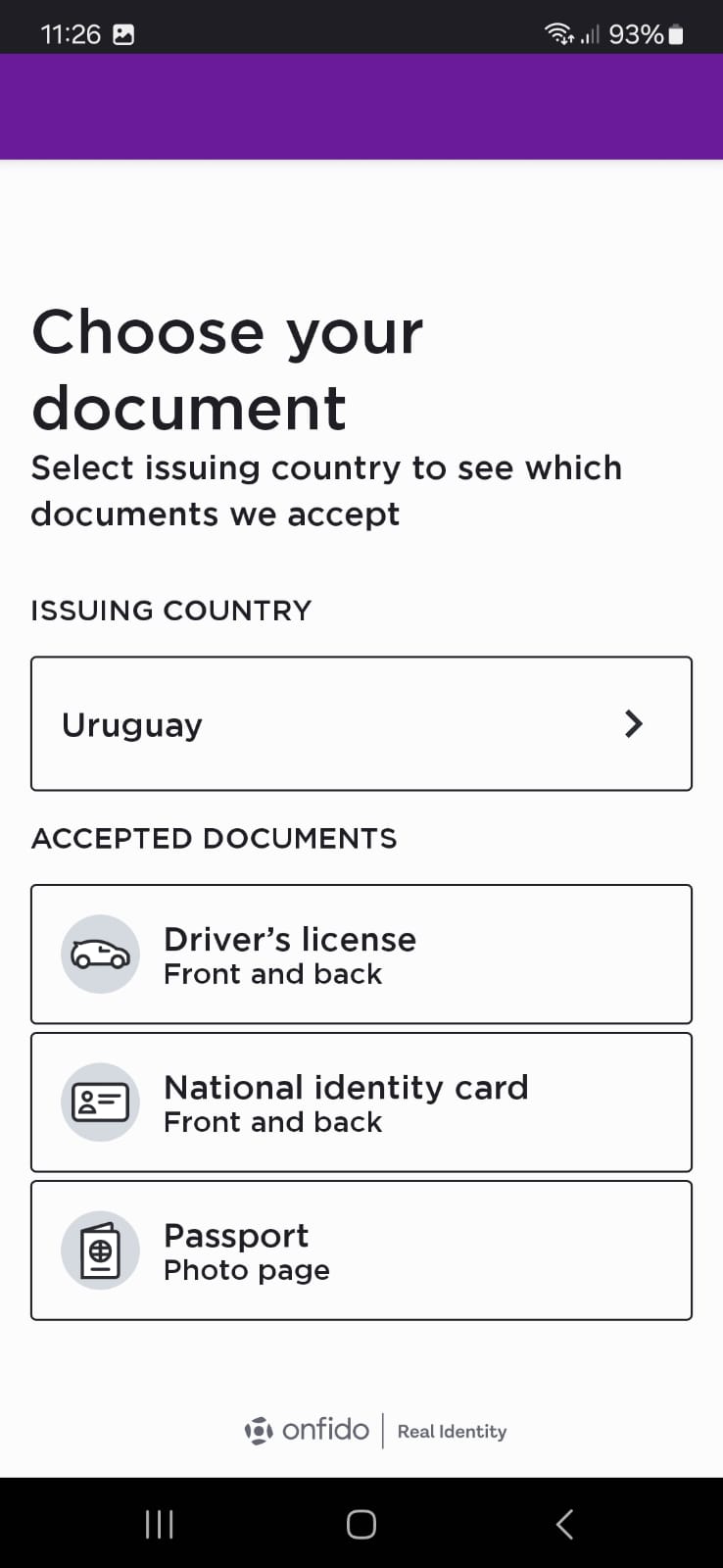
Select your issuing country
Select your document:
Drivers license
National Identity card
Passport
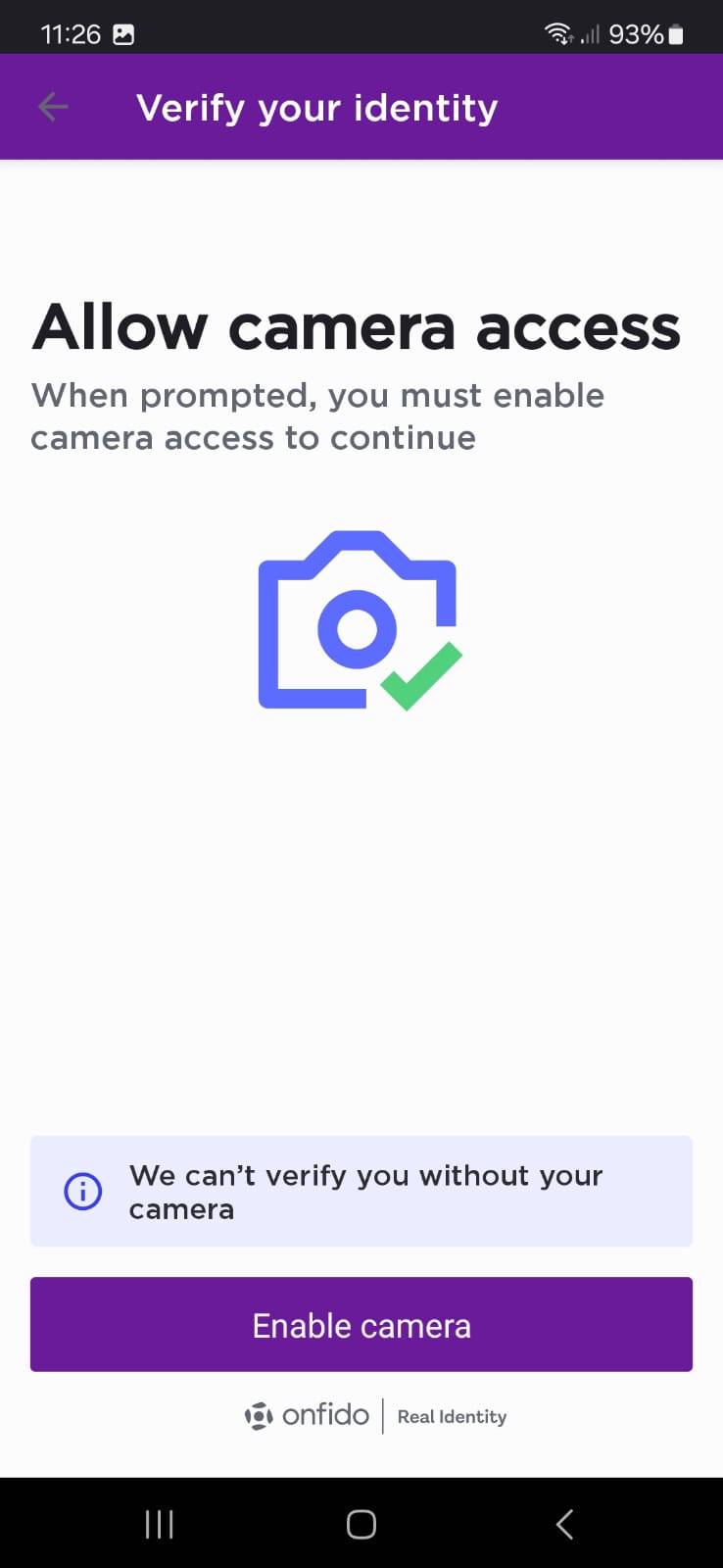
Take a picture of your document
Take one picture of the front of your document
Take one picture of the back of your document (if it applies)
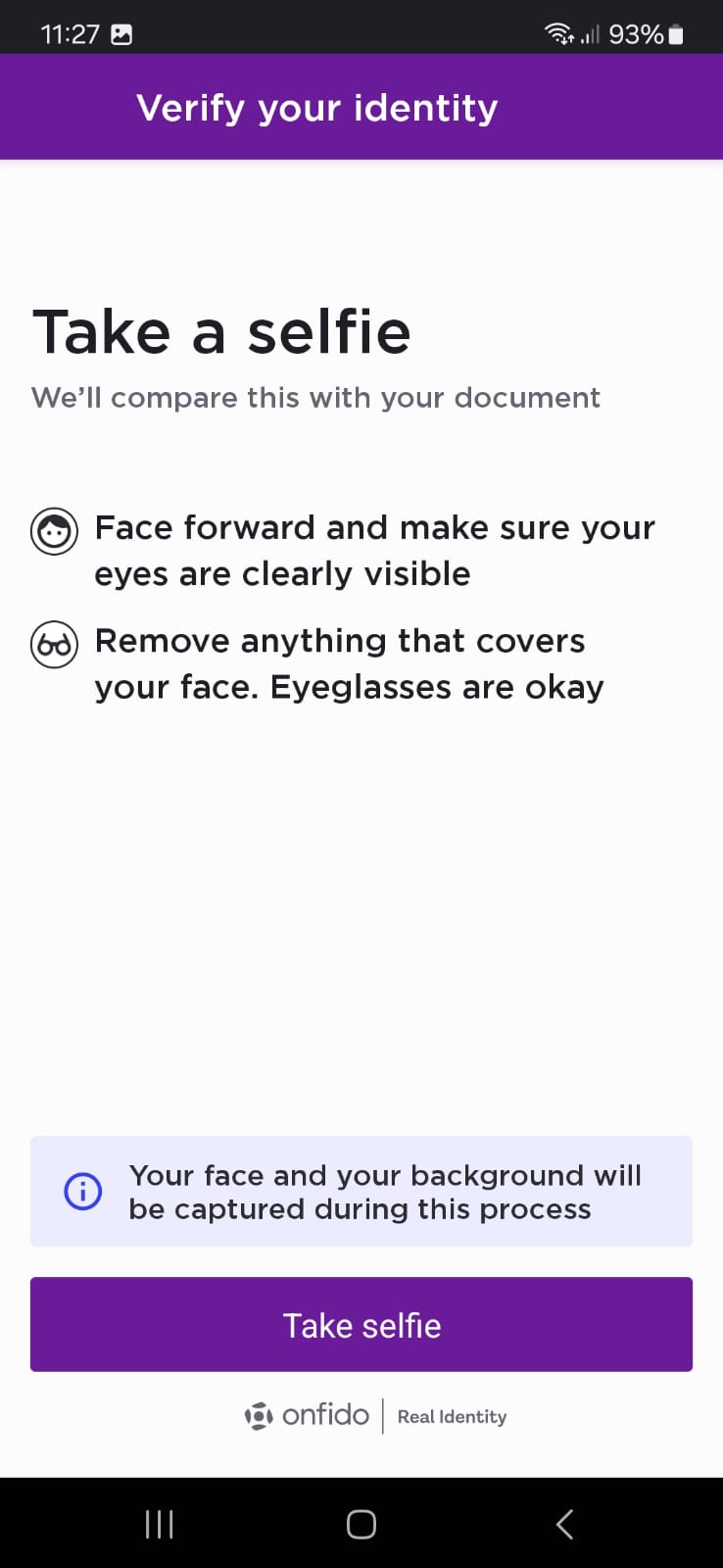
Take a Selfie
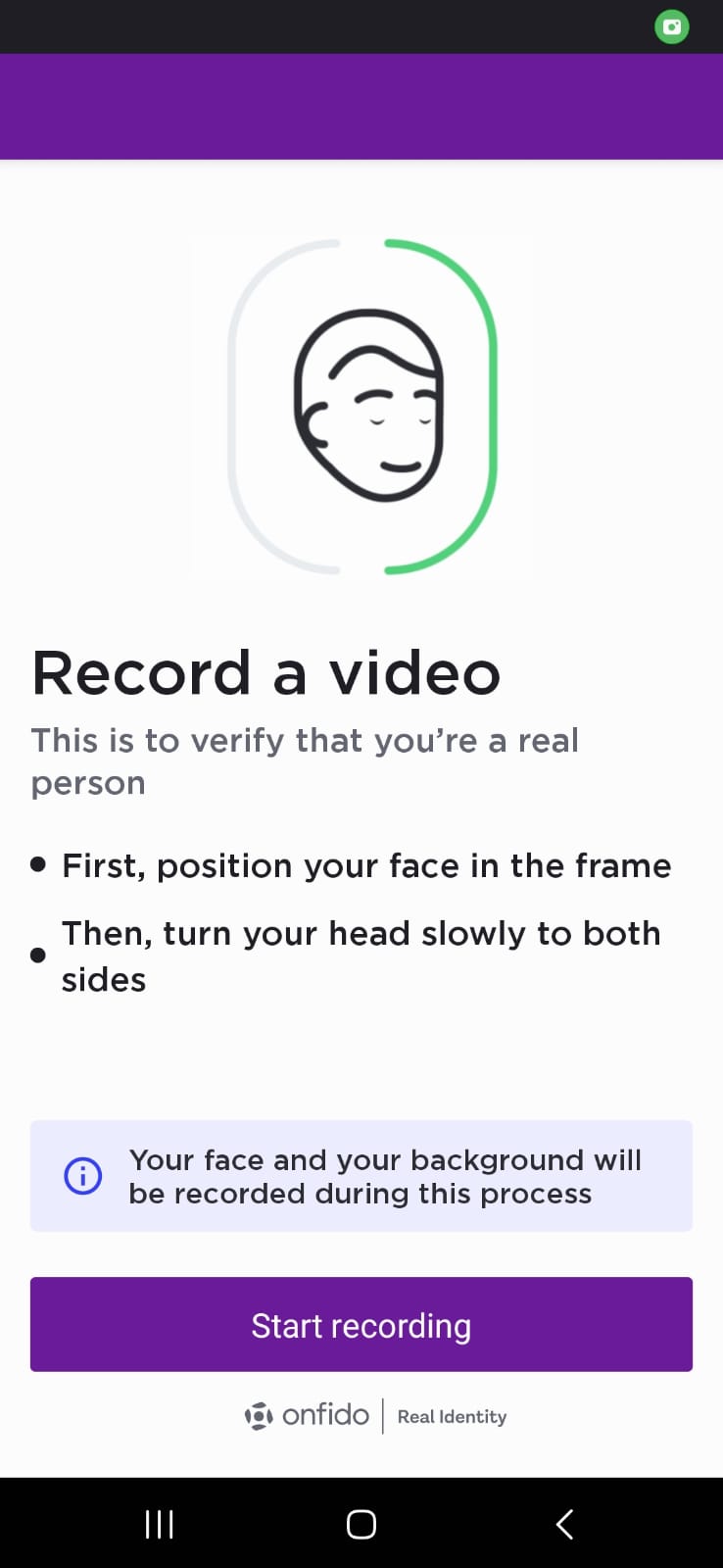
Record a Video
Follow the instructions on the screen to record the required video
Viwing/Sharing Credentials
License/ID/Travel Credential:
View → Flip to show → Share (QR, NFC, Bluetooth).
Health Credentials:
View vaccination proof/certificate → Show PDF or scan QR.
Check User data on the backend
On the result Tab
Choose your registered data
Show Document Report
Show Facial Simulation report: Photo
Show Facial Simulation report: Motion
Pre-Requisites
A way to register on the application
An official Document issued to you (either a passport or national ID)
A registration code
A trip code
If you do not have any of the preview options you can use our Demo Account
For the Holder Phone you will need
A Mobile Phone with NFC capabilities
A Mobile Phone with a camera
If you want to transfer information using Bluetooth the Phone must have that functionality
For the Verifier Phone you will need
A Mobile Phone with NFC capabilities
A Mobile Phone with a camera
If you want to transfer information using Bluetooth the Phone must have that functionality
Instructions
Instructions
Download the application
In the Play Store
Access [ToDo]
In the App Store
Access [ToDo]
Onboarding
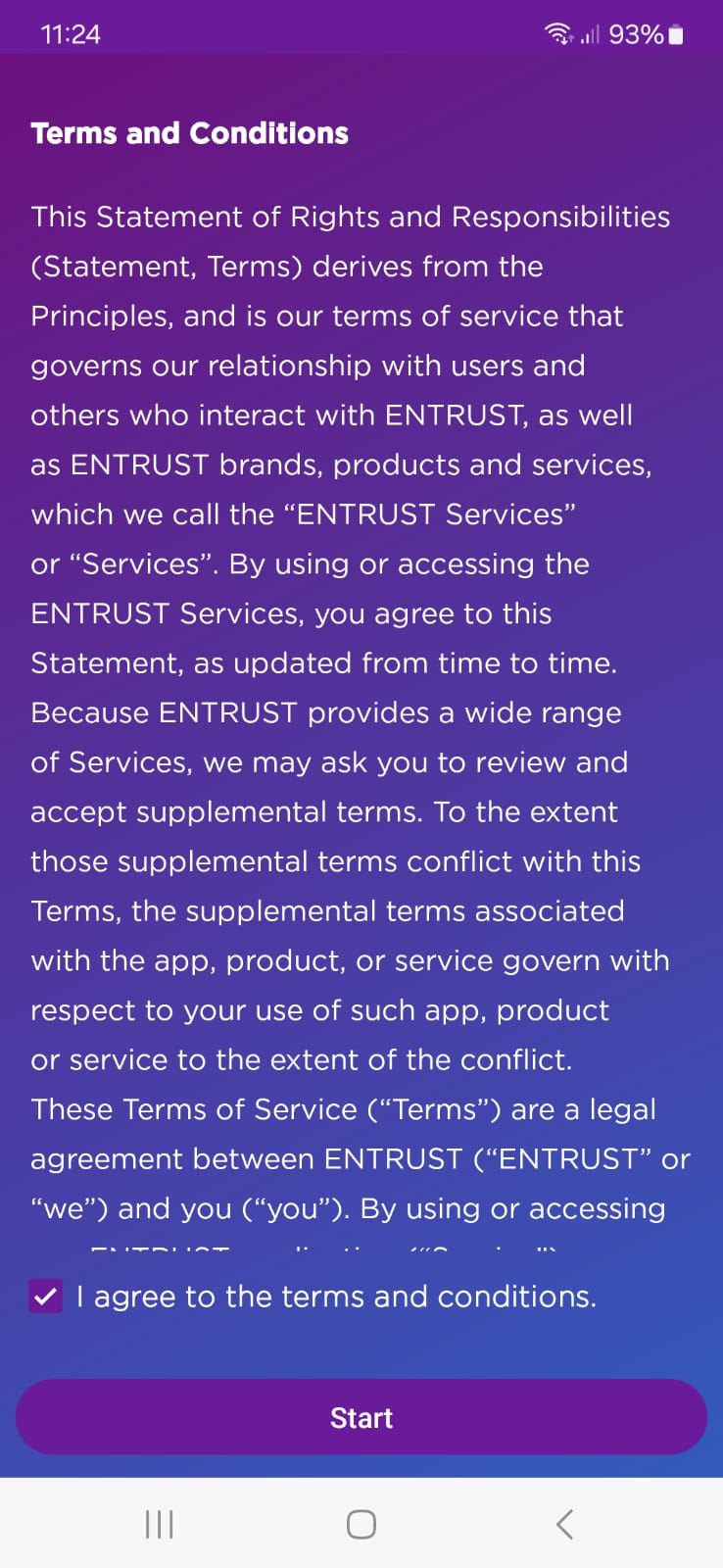
Accept the terms and conditions
Press on the box "I accept the terms and conditions"
Press the "Start" button
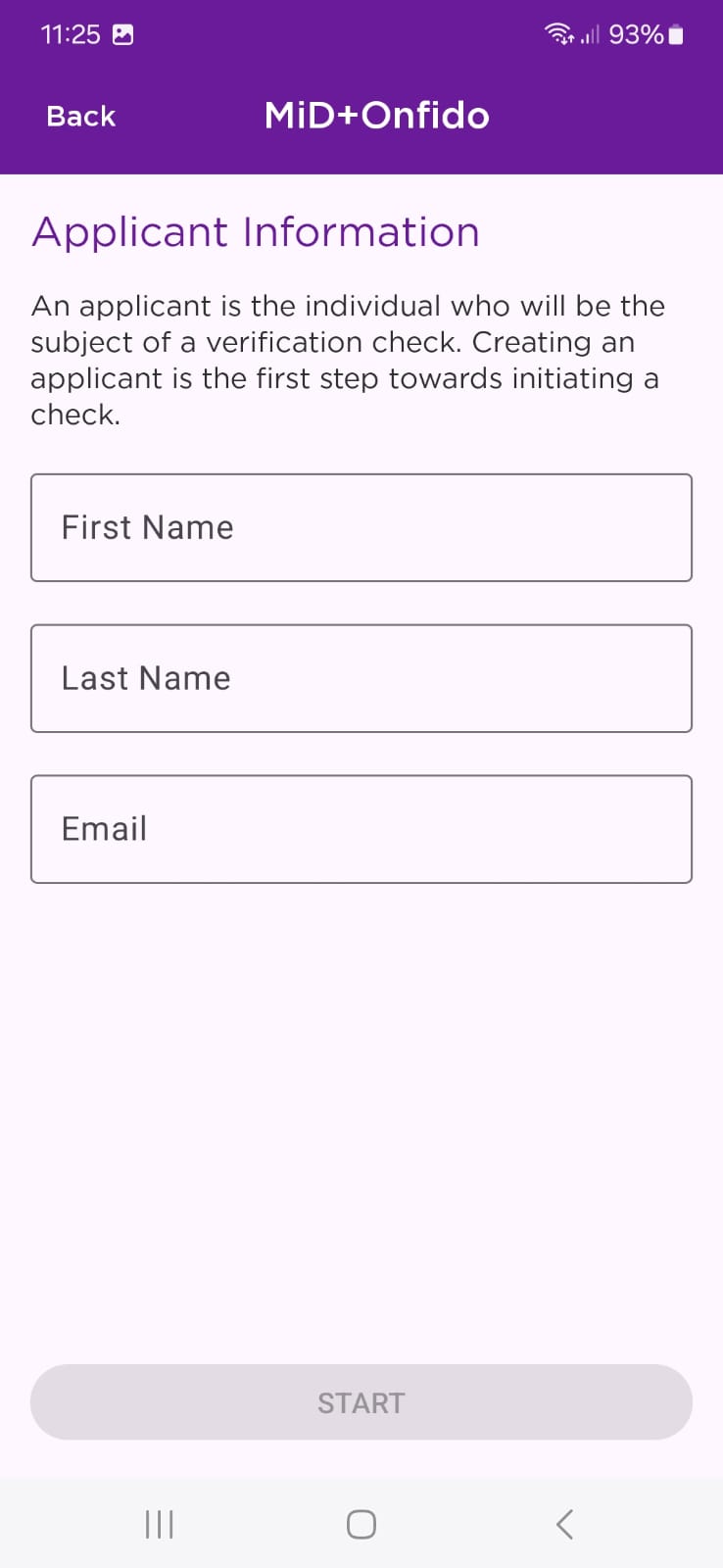
Input your:
First Name
Last Name
Email

If your email is already registered on the system a promo will appear at the end of the onboarding process to Update you back end data or Delete your data to create a new user
Choose the issuing country of the document you would like to use for the onboarding process as well as the document type
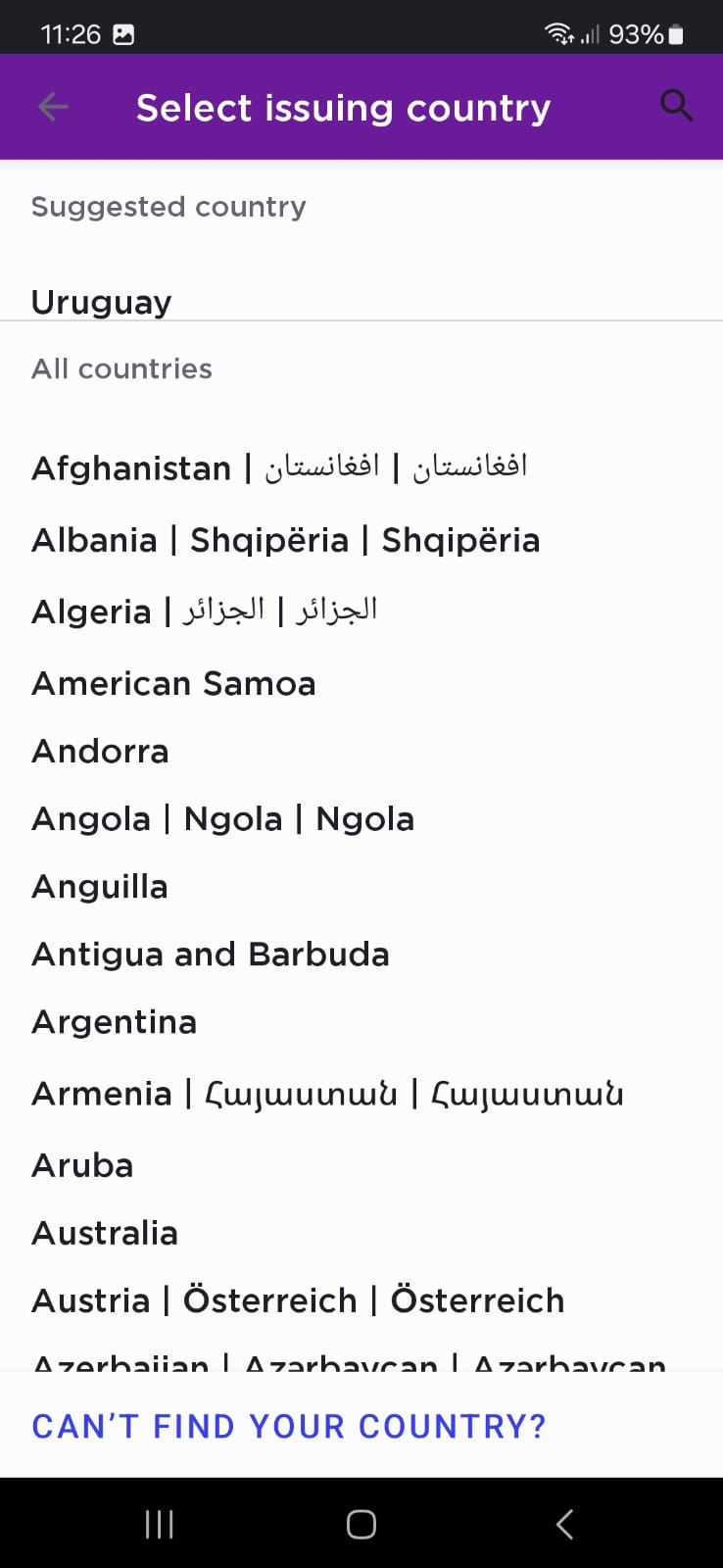
Take a photo of your document from both sides if possible
Take a Selfie
Please take a clear selfie for identity verification. Face the camera directly, ensure your eyes are visible, and remove any face coverings. Glasses are fine. Press 'Take selfie' to continue.
Record a Video
Record a short video to confirm your identity. Keep your face centered in the frame and then slowly turn your head to the left and right. This ensures you're a live person. Press 'Start recording' when you're ready.